LinkedIn Open to Work: The Unfiltered Truth About the Green Banner
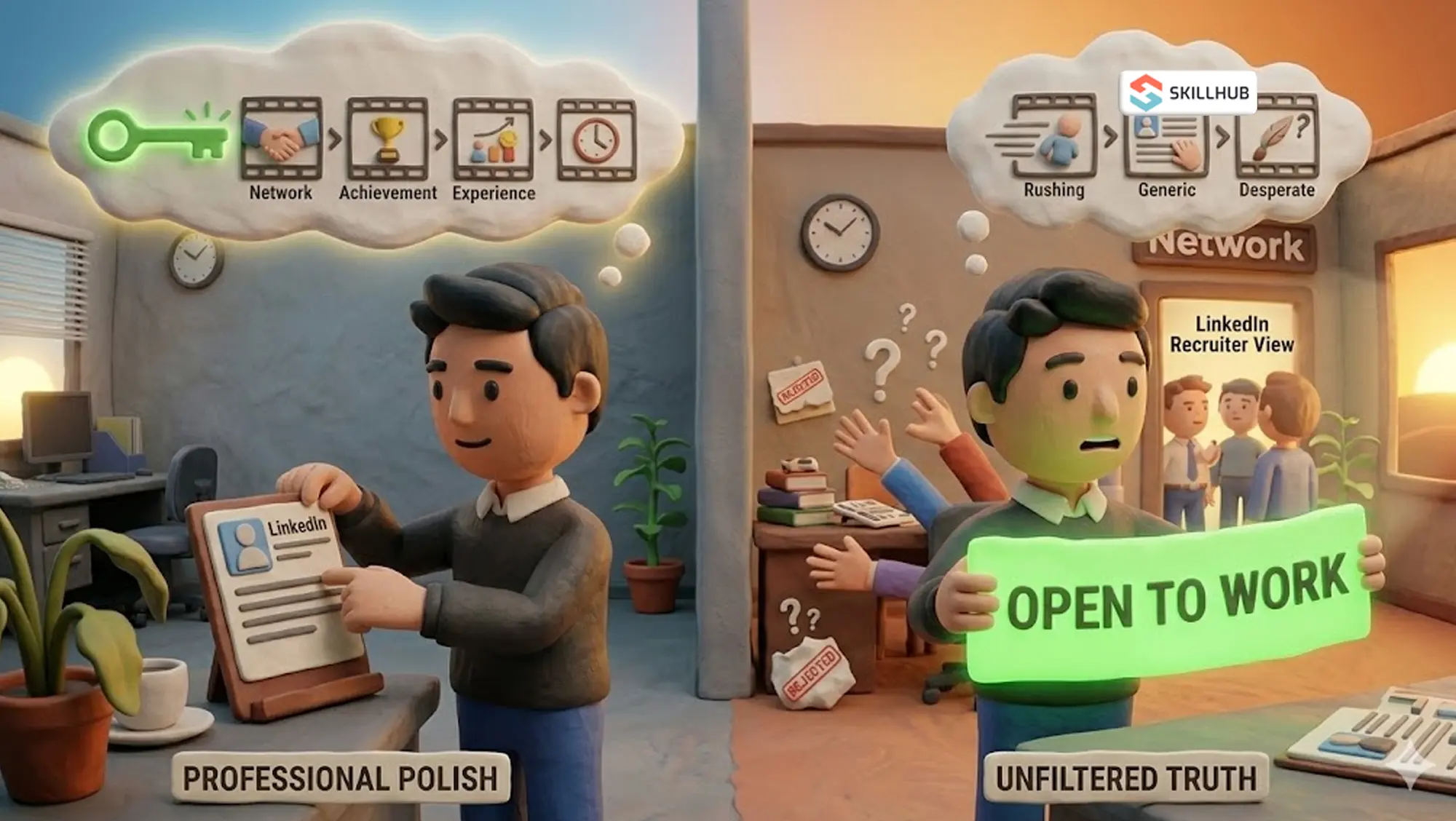
Log onto LinkedIn right now and scroll through your feed. Within five seconds, you will see it. The bright green #OpenToWork banner wrapped around someone’s profile picture.
It is arguably the most debated feature in the history of corporate social media.
If you ask ten different career coaches what they think about the LinkedIn open to work feature, you will get ten screaming, contradictory answers. Half of them will tell you it is a brilliant networking tool that signals your availability to the market. The other half will tell you it makes you look incredibly desperate and strips away all your negotiating leverage.
So, what is the actual truth? Should you turn it on, or are you secretly sabotaging your job search?
Here is exactly what happens behind the scenes when you activate this feature, how recruiters actually view it, and the definitive answer on whether you should use the public banner or the hidden "recruiters only" setting.
What Does #OpenToWork Mean? (The Mechanics)
Let’s strip away the opinions for a second and look at the software.
If you are wondering exactly what does #opentowork mean from a technical standpoint, it is simply a signal built into LinkedIn's algorithm. It was launched during the mass layoffs of 2020 to help people quickly alert their networks that they were looking for their next role.
When you decide to add open to work on LinkedIn, the platform asks you to fill out a few preferences: what job titles you want, whether you want remote or hybrid work, and your location.
Then, it gives you a massive choice. You have to pick between two completely different visibility settings:
- All LinkedIn Members (The Green Banner): This slaps the highly visible green semi-circle on your profile picture. Everyone, including your former coworkers, your neighbor, and your current boss, can see it.
- Recruiters Only (The Stealth Mode): This keeps your profile picture completely normal. No green banner. It only flags your profile in the backend system used by headhunters (LinkedIn Recruiter).
Understanding the open to work LinkedIn meaning requires understanding that these two settings trigger completely different psychological reactions in the market.
The Public Green Banner: Desperation or Smart Networking?
The biggest argument against the public green banner is the "Desperation Myth."
Some people believe that the best candidates—the top 1%—are always passive. They believe that if you loudly announce you are looking for a job, recruiters will assume there is something wrong with you. They think you lose your "hard to get" appeal.
This is largely corporate nonsense.
Recruiters are incredibly busy, exhausted people. They spend their entire day sending messages to people who ignore them. If a recruiter searches for a Project Manager and sees your profile with a green banner, they don't think, "Ew, they are desperate." They think, "Thank god, this person will actually reply to my message."
The public banner removes friction. It tells your immediate network that you are available. A massive percentage of jobs are filled through direct referrals, and your former colleagues cannot refer you if they don't know you are on the market. If you are unemployed, there is absolutely no shame in turning the public banner on. Leverage your connections and read a networking strategic guide to maximize the reach of that green badge.
LinkedIn Open to Work Recruiters Only: The Stealth Strategy
What if you currently have a job, but you secretly hate your boss and want to leave? You obviously cannot put a massive green banner on your face. You will get fired by 3:00 PM.
This is where the linkedin open to work recruiters only setting saves your life.
When you select this option, you become a ghost to the general public. But to a recruiter paying thousands of dollars for LinkedIn's premium backend software, or 3rd party LinkedIn automation tool like Snov, you light up like a Christmas tree. If you’re also using automation tools to amplify your job search outreach, understanding linkedin automation security is essential, the wrong setup can trigger LinkedIn’s detection systems and get your account flagged right when recruiters are starting to notice you. When they run a search for your skills, your profile gets pushed to the top of their list with a special badge indicating you are quietly looking to jump ship.
But there is a catch. LinkedIn explicitly states that they take steps to prevent recruiters at your current company from seeing your hidden status. However, they also legally state they cannot guarantee complete privacy. If your company uses third-party recruiting agencies, those external agencies might see your status and accidentally mention it to your HR department. It is rare, but it happens.
If you use this setting, make sure you also optimize your linkedin profile with keyword-rich headlines so those stealth recruiters actually click on your name when you pop up in their feed.
How to Put Open to Work on LinkedIn
Turning it on takes about thirty seconds. If you have decided to pull the trigger, here is how to put open to work on linkedin:
- Go to your LinkedIn profile page.
- Right below your name and headline, look for the button that says "Open to".
- Click it and select "Finding a new job".
- Fill out the specific roles you are targeting (do not put 10 completely unrelated jobs, it makes you look unfocused).
- Choose your visibility at the bottom: "All LinkedIn Members" (Green Banner) or "Recruiters Only."
- Click Save.
That's it. You are now officially signaling the market.
%20(1).png)
Does Open to Work on LinkedIn Work?
Let's answer the ultimate question: does open to work on linkedin work? Will it magically land you a six-figure job by tomorrow morning?
No. It is an amplifier, not a magic pill.
Think of it like putting a neon "Open" sign on a restaurant. If the food inside is terrible, the neon sign won't save the business. If you turn the green banner on, but you haven't taken the time to understand what is a linkedin profile meant to look like, it will fail. If your "About" section is blank, your headline just says "Unemployed," and your experience section is a mess, the banner will only amplify your bad profile.
Recruiters will click on your picture because of the green circle, see a weak profile, and immediately leave.
Before you turn any settings on, you need to get your house in order. You need to know exactly how to write a resume that proves your value, and you need to ensure your LinkedIn profile perfectly mirrors that resume. If you have been out of work for a while, you need to use your profile's summary section to proactively explain employment gaps rather than hoping recruiters don't notice them.
Once your profile is airtight, turning on the "Open to Work" feature is one of the smartest, most efficient networking moves you can make.
The #opentowork meaning is not desperation. It is efficiency. It tells the market exactly what you want and invites them to start a conversation. So clean up your profile, pick your visibility setting, and let the algorithm do the heavy lifting for you.

%20(1).webp)